
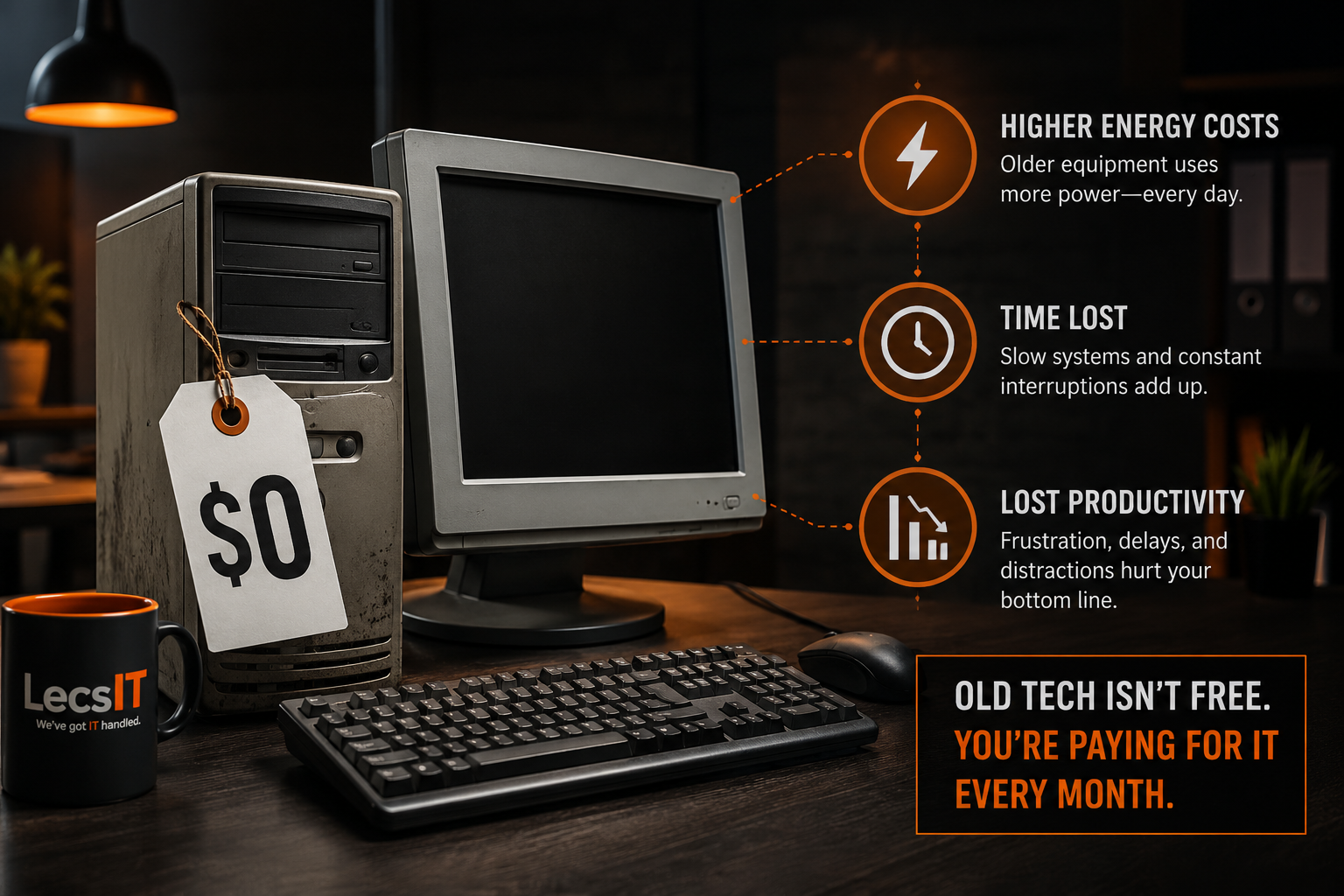
That Old Tech Isn’t Free. You’re Paying for It Every Month.
The cheapest computer in your office is usually the most expensive one to keep.
Most business owners I know treat outdated technology the way they treat a favorite pair of work boots with a hole in the sole. Clearly past their prime. Definitely should be replaced. But not bad enough to do anything about today.
The computer that takes four minutes to boot. The printer that prints fine, but only on Tuesdays. The server that works as long as nobody touches it. Everyone learns to work around them. Nobody loves them, but nobody hates them enough to call about them either.
The thing is, that old tech isn’t free. You’re paying for it every month. You just don’t see the line item.
The bill you don’t see
The cost of holding onto outdated equipment shows up in three places.
The first is your electric bill. Older equipment runs hot and works harder to do the same job that a newer machine would do quietly. That extra heat means your office cooling has to work harder, too, which is its own line on the bill. Summers in Northern Indiana don’t make this better. A room full of aging machines is a room full of small space heaters.
The second is time. Every slow boot, every frozen application, every “let me just restart real quick” is a small tax on the day. Individually, none of it matters. Across a five-person team over a year, it’s hundreds of hours of paid time spent waiting for technology to do its job.
The third is interruption. Slow systems don’t just cost seconds; they’re slow. They cost the focus that gets broken every time someone has to stop, restart something, and try to remember what they were doing. That’s the most expensive of the three, and the hardest to put on a spreadsheet.
When you add the three up — power, time, and broken focus — the math on keeping the old equipment usually stops looking like a savings.
Why “if it works, don’t replace it” stops working
The instinct to hold onto equipment as long as possible isn’t wrong. It just has a shelf life.
For the first few years of any system’s life, the logic is solid. You paid for it, it works, replacing it would be wasteful. But systems don’t fail on a schedule. They degrade quietly. Past a certain point, the equipment is costing you more in workarounds and slow days than a replacement would cost you in capital.
Knowing where that point is for your business is the hard part. It’s not always the oldest piece of equipment that’s costing you the most. Sometimes it’s a three-year-old machine running software it was never sized for. Sometimes it’s a printer that nobody’s updated the firmware on since it was unboxed. The right answer depends on what each piece of equipment is actually doing and what it’s costing you to keep it doing it.
What it looks like to stop paying for problems
When the right equipment gets replaced at the right time, the difference is immediate and a little startling. Systems boot in seconds instead of minutes. The team stops building workarounds into their day. Restarts stop being part of the morning routine. The office is cooler. The electric bill drops.
What’s harder to describe is how the day feels different. Nobody’s losing twenty minutes here and ten minutes there. The friction you’d stopped noticing because it was always there is suddenly gone, and the day feels longer in a good way.
That doesn’t mean replacing everything. Most of the businesses we work with around Plymouth, South Bend, and Mishawaka don’t need a full refresh — they need an honest look at what’s worth keeping and what’s quietly costing them.
Where to start
If your team has gotten used to working around slow systems, if you’ve made peace with restarts and reboots being part of the workday, you’re already paying the bill. The only question is whether you want to keep paying it indefinitely or figure out what’s actually worth replacing.
We don’t sell upgrades for the sake of it. We look at what each piece of equipment is doing, what it’s costing you to keep it running, and what makes sense to replace versus what’s fine to ride out for another year or two. Then we handle the transition so it doesn’t become a project you have to manage.
If you’d like that kind of honest look at what your current setup is actually costing you, book a quick call: http://os.lecsit.com/l/disoverycall-june-2026-blog. Or call us at 574-857-4332.